CUDA C++
CUDA C++
- Get hardware architecture
# x86_64: 64-bit Intel/AMD
# aarch64/arm64: 64-bit ARM (Apple Silicon, Graviton, many ARM servers)
# armv7l: 32-bit ARM
# i686: 32-bit x86
uname -m- Get Ubuntu version
cat /etc/os-release- download CUDA toolkit
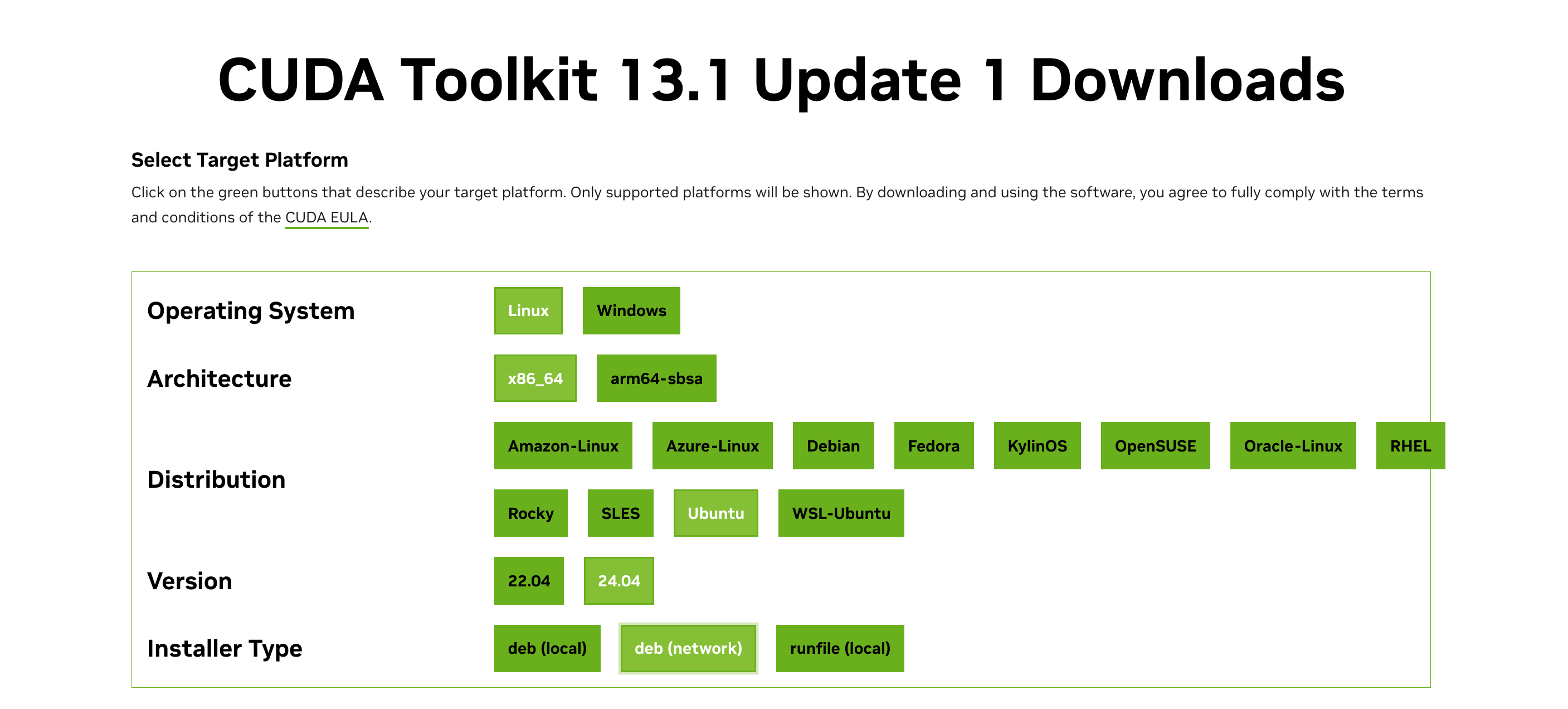
deb (network) preferred
Installs CUDA via NVIDIA’s apt repo; integrates cleanly with Ubuntu and supports normal
apt upgrade/remove. Best default for reproducible setups.
deb (local)
Downloads a local CUDA repo snapshot and installs via apt; useful for offline or restricted environments.
runfile (local)
Standalone installer that bypasses apt and installs CUDA directly; more control, doesn’t integrate with your package manager. Harder to uninstall cleanly. Can conflict with distro drivers.
C++ installation
# on ubuntu
sudo apt update && sudo apt install -y build-essential
Check & Specify C++ standard
- 201103L → C++11
- 201402L → C++14
- 201703L → C++17
- 202002L → C++20
- 202302L → C++23
// To see which standard macro is active, do this:
#include <iostream>

int main() {
    std::cout << __cplusplus << "\n";
}- To specify the C++ standard:
# use std flag

g++ -std=c++20 test.cpp -o test